Beyond the Activities: Reducing Environmental Barriers in “Solving for Why”

When designing a learning resource, it is easy to focus on making the activities themselves inclusive while overlooking the barriers built into the environment where those activities live. In my group member’s Blog Post 3, they did an excellent job identifying barriers within two of our specific learning activities, video walkthroughs and build-your-own scenarios, and proposed fixes like captions and voice recording. In this post, I want to zoom out and look at the environment itself: the platforms, devices, and access conditions our learners face before they even reach an activity.
Our learning resource, “Solving for Why,” is hosted on Nearpod with supporting content on WordPress. Both platforms require a stable internet connection and a device with a modern browser. For many Grade 9 students across Canada, this is not a given. Students in rural communities, low-income households, or those sharing a single device with siblings face a real barrier before any learning begins. The Inclusive Design Research Centre emphasizes that inclusive design must “recognize diversity and uniqueness” and that as learners spread out from the hypothetical average, a single solution stops working (IDRC, n.d.). Assuming every student has reliable Wi-Fi and their own laptop is designing for the average, not for the reality.
To address this, we can apply UDL’s principle of multiple means of engagement by offering a low-bandwidth alternative (CAST, 2018). This could mean providing downloadable PDF worksheets that mirror the Nearpod content, so students without reliable internet can still work through each subtopic’s real-world scenarios and complete assessments offline. Nearpod also has a student-paced mode that reduces the need for a live connection, which we should enable by default.
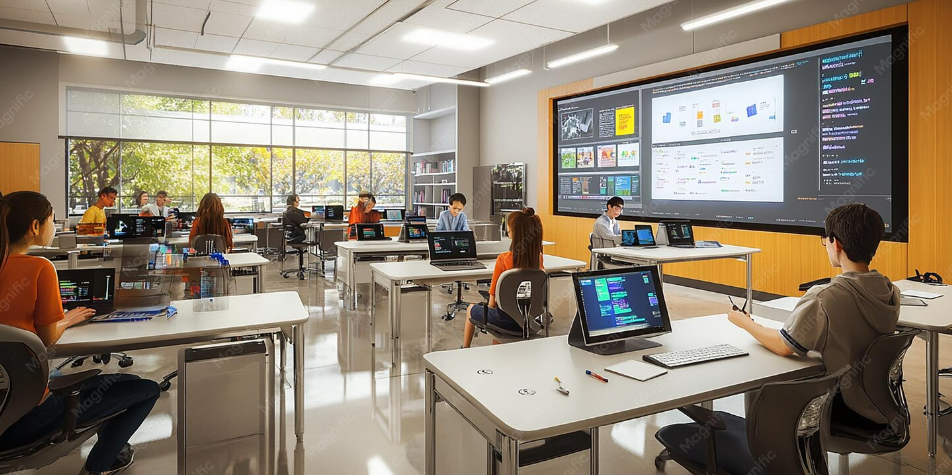
Another environmental barrier is the platform’s language. Nearpod’s interface is in English, and our target audience includes English language learners. While the content itself can be simplified, the navigation and instructions within the platform cannot. Providing a short orientation guide like a one-page visual walkthrough of how to use Nearpod would reduce confusion and allow students to focus on the math rather than the technology.
Inclusive design is not just about what happens inside the lesson. It is about ensuring the path to get there is barrier-free too.
References:
CAST. (2018). Universal design for learning guidelines version 2.2 [Graphic organizer]. Wakefield, MA: Author. https://udlguidelines.cast.org/static/udlg_graphicorganizer_v2-2_numbers-no.pdf
Inclusive Design Research Centre. (n.d.). The inclusive design guide. OCAD University. https://guide.inclusivedesign.ca/
Hi Abin. I really enjoyed reading your post and learning more about how we can make our interactive learning resource more accessible. Thank you for reading my blog post and highlighting the issues I raised. I completely agree that it’s important not to overlook the environments our students may be learning in. Growing up I had to share one computer with my family, so your point about device access really resonated with me. It’s easy to forget that having reliable access to a device and internet connection is a privilege. Providing downloadable PDF versions is a great alternative when technology or connectivity becomes a barrier. I also appreciate your mention of Nearpod’s challenges for English language learners. That’s something I hadn’t really considered, even though I was an English language learner myself at one point. Having to spend additional mental energy figuring out how to navigate a platform can be frustrating when students are already using so much cognitive effort to understand new algebra concepts. A simple guide could be a great addition to the resource. Great job!